


How to switch gym management software without losing members
.jpg)


You know the software is holding you back. You stay anyway, because one fear beats every frustration: what if the switch costs you members?
Here's the truth about how to switch gym management software without losing members: the move itself rarely drives anyone away. Silence, billing surprises, and broken bookings do, and all three are preventable.
This guide gives you the 7 steps that prevent them.
Why the fear of switching is worse than the switch
Members don't care what software you run. They care that their class is booked, their payment went through and nobody charged them twice. A switch only threatens those three things when it's improvised: data exported late, members told nothing, billing cut over on collection day.
Run it as a project instead and the risk flips. The owners who lose members are usually the ones who stay too long on a system that frustrates people at every booking. If you're still weighing that up, our guide on when to switch your gym management software covers the warning signs; this one covers the how.
How to switch gym management software without losing members in 7 steps
1. Pick the destination before you leave
Never cancel the old system first. Choose the new platform, agree the migration plan, and set the go-live date while everything still runs as normal. Judge candidates on migration support as hard as on features: who moves your data, what transfers, and who picks up the phone in week one. Our guide to picking a gym management software and checklist for choosing the best fit for your business break the decision down.
2. Export and back up everything
Before anyone touches anything, export a full copy of your business from the old system and store it somewhere safe. At minimum, that means:
- Member roster with contact details and join dates
- Memberships and billing with plans, prices, and payment schedules
- Attendance and booking history
- Documents such as waivers, contracts, and PAR-Q forms
- Class schedules and instructor assignments
Even if the new provider handles the import, you want your own backup. It turns the worst-case scenario from "we lost the data" into "we restore from the copy."
3. Make the new provider do the heavy lifting
You run a gym; you shouldn't also run a data-migration project. Providers built for switching assign a team that imports your members, memberships, and schedules, and moves payment details securely at the processor level so nobody re-enters a card. That last part matters most, because re-entering payment details is where switches leak members. This is how LegitFit's managed switchover works: the team sets up your account, migrates your client data with no downtime, and trains you before go-live.
4. Time the switch around your billing cycle
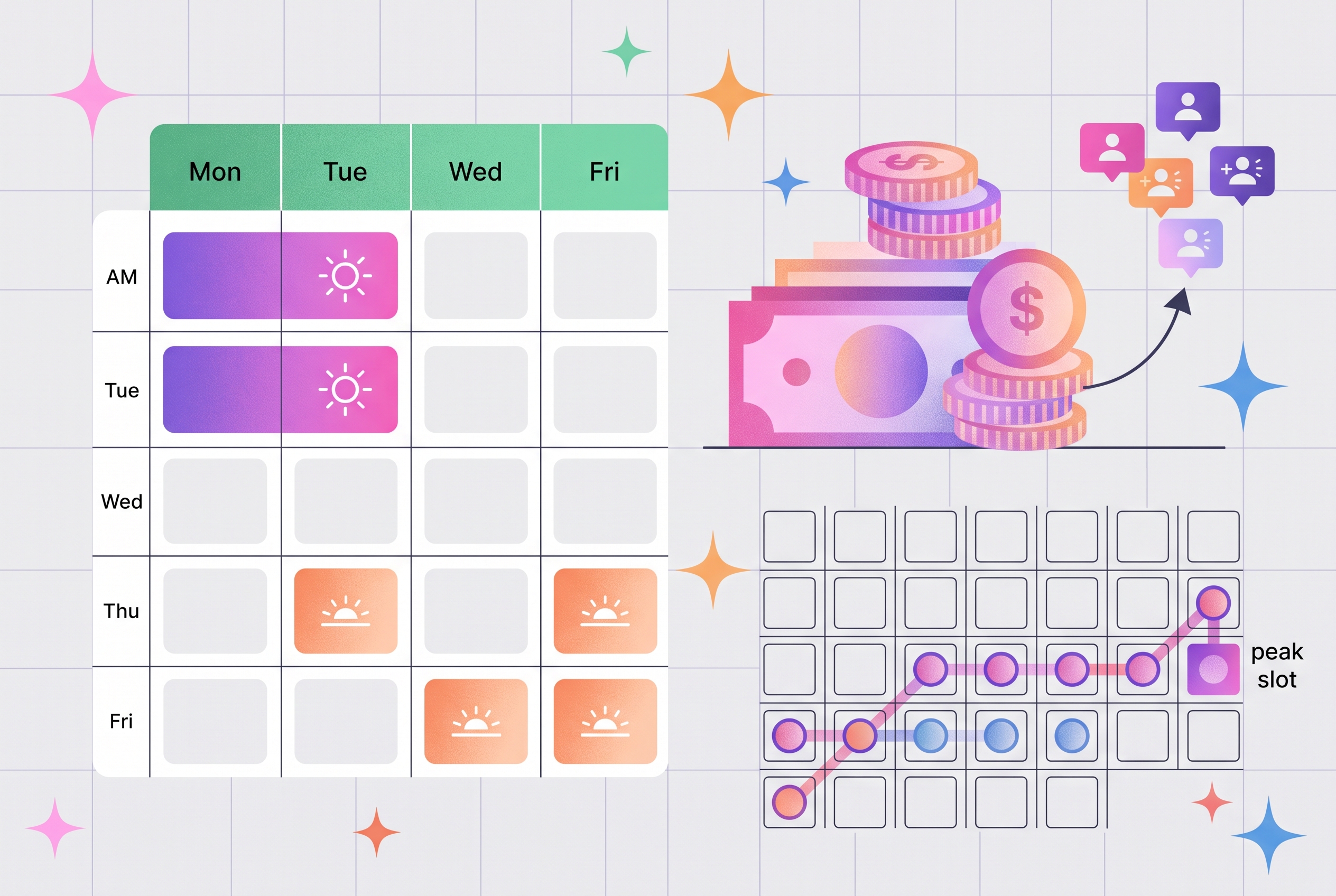
Go live mid-month and midweek, away from your billing run. A Tuesday or Wednesday cutover gives you clear days to catch small issues before the weekend rush, and distance from collection day means the first thing members do on the new system is book a class, not receive a charge.
5. Tell members early, simply, and twice
Silence creates the fear you're trying to avoid. Send a short, positive message about a week before go-live, and again the day before. Include:
- What's changing and when, in one sentence
- The download link for the new app
- What they need to do (usually just log in once)
- What stays the same, their membership, their bookings, their price
- Who to ask if anything looks off
Frame it as an upgrade for them, because it is: faster bookings, fewer errors, one app. For the handful who grumble, our guide to handling frustrated fitness clients keeps those conversations warm.
6. Run a short overlap and check the billing
Keep the old system readable while the first bookings and payments flow through the new one, and compare them line by line. The check that matters most: every active member appears once, on the right plan, at the right price, with no duplicate charges. Retire the old account after the first billing cycle completes cleanly.
7. Train your team before go-live, then watch the first month
Your staff carry the member experience through the change, so train them on the new system before members ever see it: check-ins, bookings, refunds, and the questions people will actually ask. After launch, watch attendance and payment reports for the first month. A member whose visits drop right after a change is worth a personal message, which is retention practice at its simplest; our client retention strategies guide has the full play.
What members actually notice (and what they never see)
This is the fear, laid flat. In a managed migration, here's the member's side of each worry:
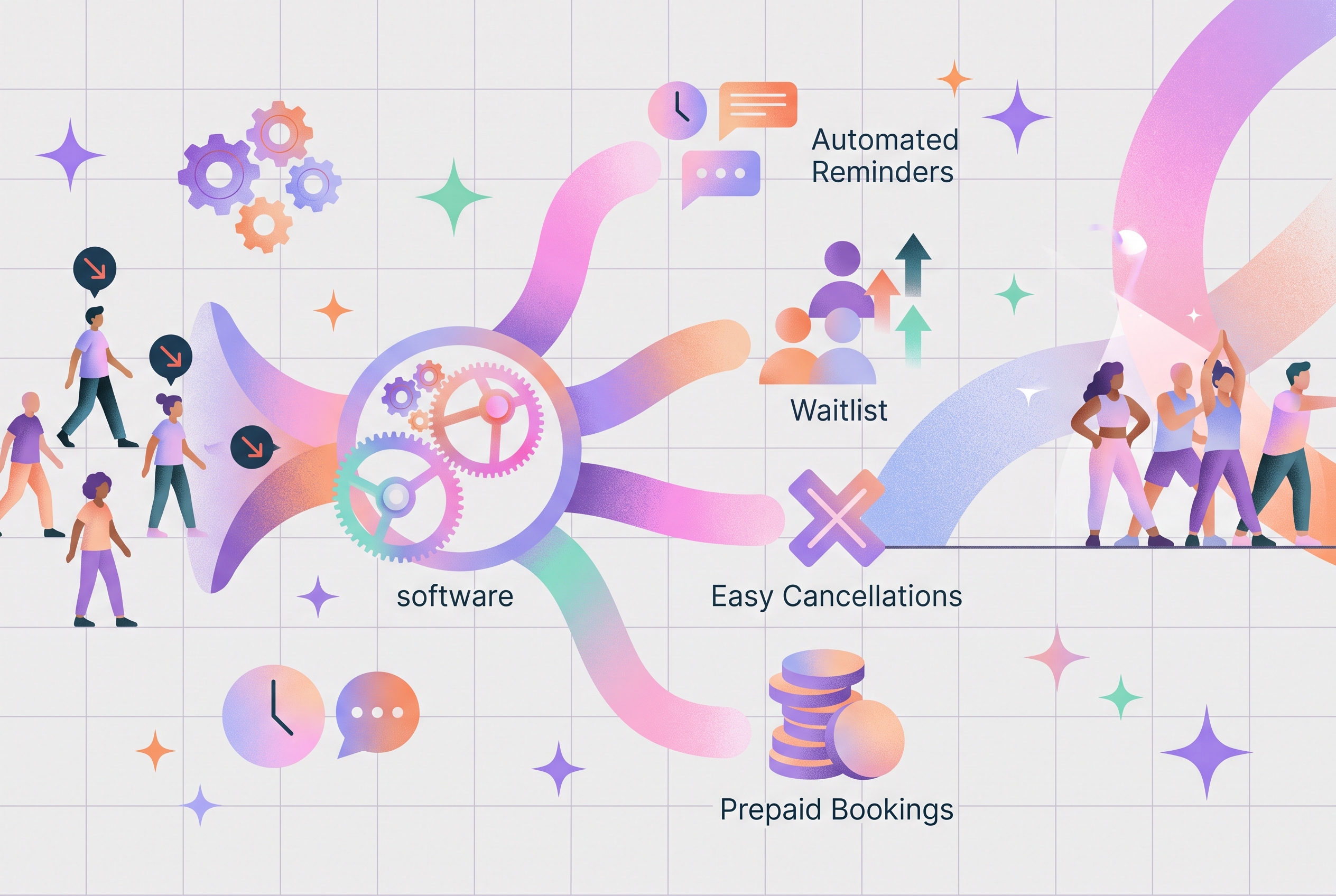
Members experience one email and one download. Everything else happens where they never look.
Owners who switched and grew
Both results below are verified, first-party numbers, with each story linked:
Neither gym lost its member base in the move. The switch removed the friction that had been costing them money every week.
Frequently asked questions
Will my members notice when I switch gym software?
In a managed migration, most of the work happens behind the scenes. Members get a short message from you, download the new app, and log in once. Their bookings, membership, and payments carry over, so for most members the change amounts to one email and one download.
Does member payment information transfer to the new software?
Usually, yes. Payment details held with a processor such as Stripe can move securely at the processor level, so members keep paying without re-entering card details. Confirm this with the new provider before you commit, because it removes the single biggest source of member frustration in a switch.
How long does it take to switch gym management software?
There is no fixed number, but a planned switch typically runs a few weeks from data export to go-live. The size of your client list, how much history you bring across, and how quickly your team trains all move the timeline. Providers with managed migration shorten it considerably.
When is the best time to switch gym software?
Pick a quiet stretch in your calendar and cut over mid-month and midweek, away from your billing run. That gives you days to fix small issues before the next payment cycle, and it means the first thing members experience on the new system is a booking, not a charge.
Will I lose historical data when switching gym software?
Not if you prepare. Export your full member list, payment history, attendance, and documents before anything else, so you hold a complete backup. Good providers import your history for you, and you should also confirm you can export everything again later. Your data stays yours.
Do I need to run both systems at the same time?
A short overlap helps. Keep the old system alive in read-only fashion while the first bookings and payments run through the new one, and compare the two. Once a full billing cycle completes cleanly on the new platform, you can retire the old account with confidence.
The switch your members never notice
Members leave gyms over broken billing and bad communication, not over software migrations done well. Back up your data, let the new provider carry the import, cut over away from billing day, tell members twice, and check the first cycle line by line. Do that, and the platform that's been costing you hours every week becomes the upgrade your members thank you for.






.jpeg)

.jpg)

Helping fitness business from day one
Trusted by fitness professionals worldwide to simplify day-to-day management and accelerate fitness business growth with clear, proven results.
Get demo & pricing