


If you run a gym or studio, you probably know your busiest class and your quietest hour by feel. But feel doesn't pay the bills; numbers do. The good news? Learning how gyms automate reporting for KPIs and business goals is simpler than it sounds: you run bookings, payments and memberships through one management platform, and it turns that daily activity into live dashboards and reports on its own. No spreadsheets, no Friday-night admin. In this guide, you'll see which KPIs match which goals, a five-step setup, and the real results gym owners have achieved.
What does automated KPI reporting actually mean?
Automated KPI reporting means your key performance indicators (revenue, bookings, attendance, churn) are calculated and updated by your gym management software as business happens, rather than compiled by hand. Every booking, payment and cancellation feeds a live dashboard, so your numbers are always current and always accurate.
Compare that with how many gyms still operate: attendance in a paper diary, payments chased over text, revenue tallied in a spreadsheet at month's end. It works until it doesn't. Manual reporting tends to be slow, error-prone and, worst of all, backwards-looking. Many owners only dig into their numbers when something already feels wrong, which means the problem has usually been building for weeks.
Which KPIs should you track for each business goal?
Here's the part most KPI guides skip: a metric only matters if it serves a goal. Tracking twenty numbers "because you should" leads to dashboard fatigue and no decisions. Instead, work backwards from what you're trying to achieve this year, then automate the handful of KPIs that tell you if you're on course.
One warning: beware vanity metrics. Total sign-ups since opening, social followers and app downloads feel good but rarely change a decision. If a number can't trigger an action, it doesn't belong on your dashboard. For a deeper look at the financial metrics themselves, see our guides to the financial metrics gym and studio owners need to track and making data-driven decisions as a fitness coach.
How gyms automate reporting for KPIs and business goals in 5 simple steps
Step 1. Run everything through one platform
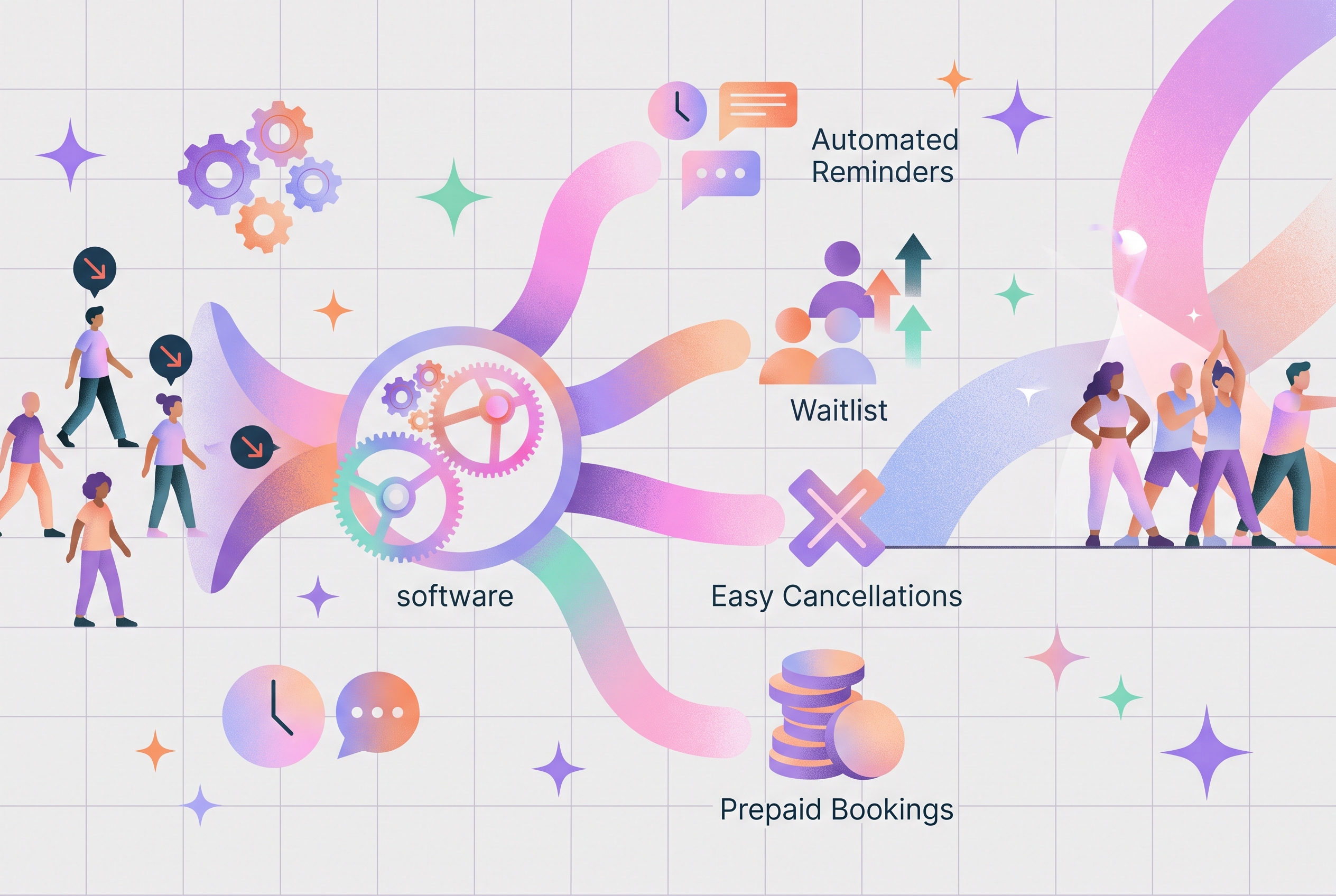
Automation starts with consolidation. If bookings live in one app, payments in another and memberships in a spreadsheet, no tool can report on your business as a whole; you become the integration, copying numbers between systems. Move bookings, payments, memberships and programming into a single gym management platform so every transaction is captured once, at the source. If you're still comparing options, our ultimate guide to picking a gym management software walks through the decision.
Step 2. Pick one or two goals and three to five KPIs
Choose the goals that matter most this quarter (say, retention and cash flow), then select the KPIs from the table above that serve them. Three to five well-chosen numbers beat twenty noisy ones. You can always widen the lens later once reviewing them is a habit.
Step 3. Set up your dashboard once
Configure your platform's reporting dashboard to show those KPIs front and center. This is a one-off job: once it's set, the numbers refresh themselves every time a member books, pays, joins or cancels. The hour you used to spend compiling becomes thirty seconds of reading.
Step 4. Set a review cadence
Automated numbers still need a human rhythm. A simple cadence looks like this:
Step 5. Act on what the numbers say
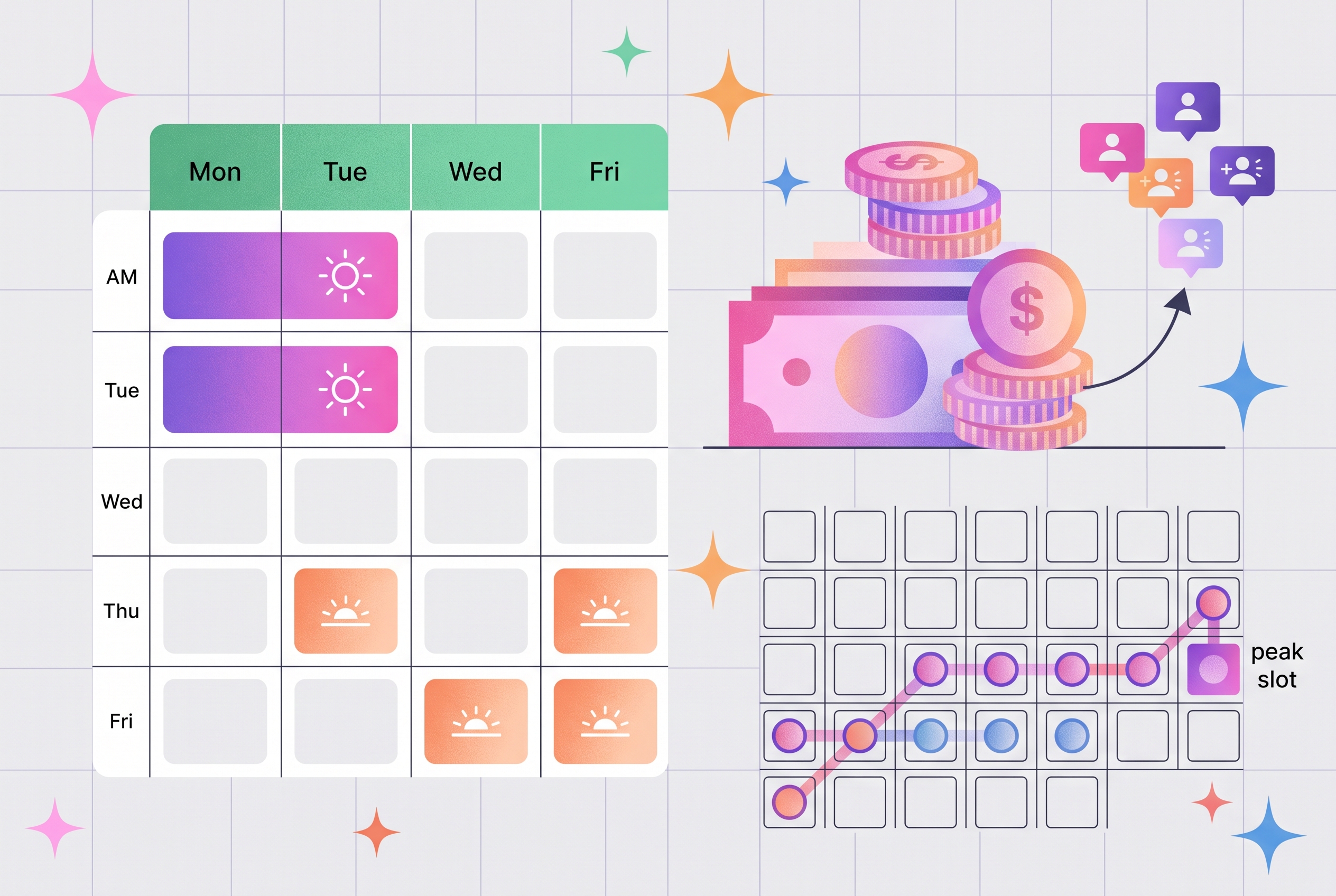
Reports don't grow gyms; decisions do. The pattern that tends to work: pick the biggest gap between goal and reality, make one focused change, and watch the same KPI over the next cycle. If Tuesday's 6pm class runs at 40% capacity while Thursday's has a waitlist, that's not a report, it's an instruction.
What results do gyms see when they automate the numbers?
These are real, first-party results from fitness businesses that moved their admin and reporting onto one platform:
To be fair to the data: that growth came from the whole switch (automated payments, self-service bookings, a better member experience), not from reporting alone. But visibility is a real part of the story. For Barry at Carrick Fitness Centre, clean reporting is what turned the numbers into decisions: "LegitFit makes it so easy to keep track of everything. I can see exactly where our revenue's going up or down." John Byrne at UC Fit puts it even more simply: "The analytics have been fantastic and made my job simpler and easier."
The wider evidence points the same way. Widely cited research from Bain & Company found that small improvements in customer retention can increase profits significantly, and industry bodies report that members who attend more frequently are far less likely to cancel, exactly the kind of early-warning signal automated attendance reporting surfaces.
What software do you need to automate gym reporting?
You don't need a data analyst or a business-intelligence tool. You need a gym management platform that captures your operations and reports on them in one place. Look for:
- All-in-one capture: bookings, payments, memberships and programming in a single system, so your data is complete by default.
- A live dashboard: revenue, attendance and membership numbers that update in real time.
- Goal-relevant reports: revenue by membership type, class attendance, cancellations and failed payments.
- Simplicity: if checking your numbers takes effort, you'll stop checking them.
This is exactly the job LegitFit was built for: because your bookings, payments, memberships and programming already run through it, your KPIs are generated as a by-product of running your gym, with no extra admin required. You can see the analytics and reporting tools in detail, or explore how the platform fits gym businesses specifically. For the full checklist of what to look for in a platform, see the key features you can't ignore in fitness studio management software.
Frequently asked questions
What KPIs should a gym owner track first?
Start with the numbers closest to revenue and retention: monthly recurring revenue, churn rate, average revenue per client, class attendance, and lead-to-member conversion. These five cover most business goals. Once your reporting is automated, you can layer in extras like capacity utilization and visit frequency without adding admin.
What is a gym KPI dashboard?
A gym KPI dashboard is a live screen inside your gym management software that displays your key numbers (revenue, bookings, attendance, memberships, churn) and updates automatically as members book and pay. Instead of compiling reports by hand, you open the dashboard and see your business health in seconds.
How often should you review your gym's KPIs?
A common rhythm is a quick daily glance at bookings and payments, a weekly check on attendance and leads, a monthly review of revenue, churn and membership growth, and a quarterly look at progress against bigger business goals. Automated reporting makes each check-in take minutes rather than hours.
Can a small gym or studio automate reporting without a data analyst?
Yes. Modern gym management platforms build the reports for you, with no spreadsheets, formulas or analysts required. Because bookings, payments and memberships already flow through the system, dashboards and revenue reports update themselves. If you can read a timetable, you can read an automated KPI report.
How do gyms measure member retention automatically?
Your management platform already knows when each member joined, how often they attend and when they cancel, so it can calculate churn and retention continuously. Many gyms also watch visit frequency, because a drop in attendance often shows up before a cancellation, giving you time to reach out.
Does automated reporting actually grow revenue?
Not by itself: reports do not sell memberships. What automation does is surface the decisions that grow revenue: which classes to expand, which members are at risk, which offers convert. Immortal MMA more than doubled its monthly revenue after moving everything onto one platform with clear reporting and class insights.
Your numbers, on autopilot
Automating your reporting isn't about becoming a data person; it's about never having to be one. Run your operations through one platform, map three to five KPIs to your actual business goals, glance at the dashboard on a rhythm, and act on what it tells you. The gyms in the table above didn't grow because they loved spreadsheets; they grew because the admin ran itself and the numbers were impossible to ignore.
Want to learn more? LegitFit helps fitness businesses reduce admin, increase revenue, and build stronger communities. Ready to grow your business?





.jpeg)
.jpg)


Helping fitness business from day one
Trusted by fitness professionals worldwide to simplify day-to-day management and accelerate fitness business growth with clear, proven results.
Get demo & pricing