


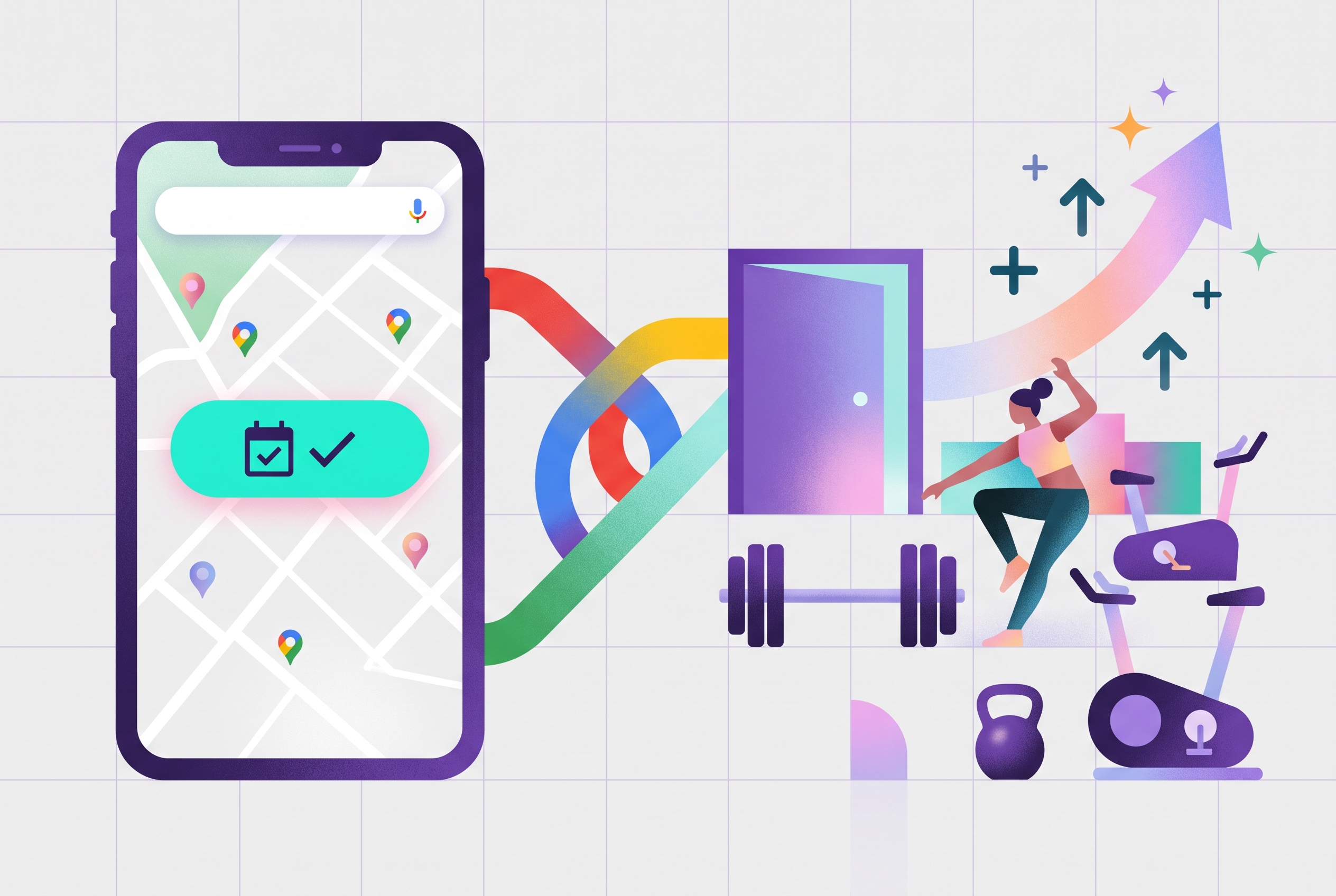

Someone in your area types "pilates near me" or "gym near me" into Google. Your business shows up on the map with photos, reviews and opening hours. They like the look of it. Then what?
If the next step is finding your website, hunting for the timetable and creating an account, a good number of them won't make it. They'll tap back and pick the studio down the road that let them book in two taps.
Reserve with Google closes that gap. And for LegitFit customers who are live on Google, the results have been hard to ignore: 35% more new leads since activating it!
What is Reserve with Google?
Reserve with Google is Google's booking feature for local businesses. It adds a booking button directly to your Google Business Profile, so people can see your classes or sessions and book from Google Search and Google Maps without first going to your website.
Google only offers it through booking software that's connected to its booking system, which keeps the button and your class details accurate. LegitFit is now connected, so eligible LegitFit businesses get the button automatically. It went live for LegitFit customers in September 2026.
How it works with LegitFit
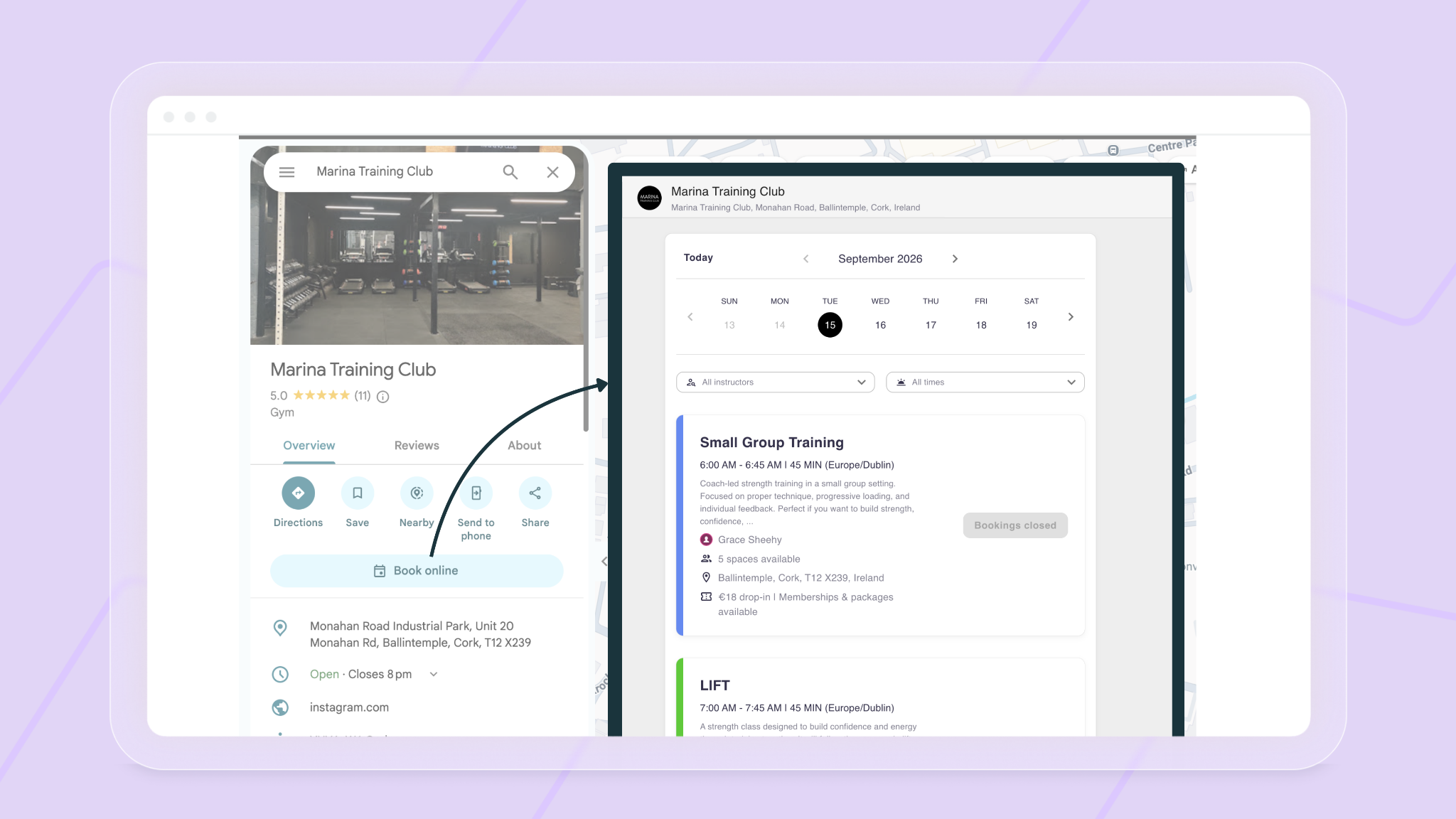
Once your business is live on Google, a "Book online" button appears on your Google Business Profile in both Search and Maps. When someone taps it, they go straight to your live LegitFit public timetable, where they can pick a class or session and book.
- Always up to date: LegitFit sends your class details to Google every night, and the Book online button takes people to your live timetable, so they always see real availability.
- Bookings land in LegitFit: new clients and their bookings appear in LegitFit like any other booking, so your lead workflows and automations kick in straight away.
- Classes and services: your upcoming public classes and services, with pricing, are shared with Google, whether you run group classes, PT sessions or pilates.
Why it works
- It catches people at the moment they're ready to act. Someone searching "spin class near me" on a Tuesday evening isn't browsing. They want to book something. Reserve with Google lets them do it there and then, instead of losing them on the way to your website.
- It removes steps. Every extra click between "that looks good" and "I'm booked in" loses people. Booking straight from the listing cuts out the website search, the menu hunting and the "I'll do it later".
- It's built for phones. Most local searches happen on mobile, often on the move. A booking button on the Maps listing is about the simplest mobile booking experience there is.
- It borrows Google's trust. People already trust your Google listing: the reviews, photos and directions. Booking from the same place feels familiar and low-risk, especially for someone who's never heard of you before.
Five ways to get more from Reserve with Google
- Fill out your Google Business Profile properly. Up-to-date hours, the right categories (gym, pilates studio, personal trainer), and a clear description of what you offer.
- Add good photos. Your space, your classes, your coaches. People want to see what they're booking into.
- Keep the reviews coming. Ask happy clients for a Google review after their first few sessions. More and better reviews mean more people trust the listing enough to tap "Book online".
- Make the first booking easy. Put an intro offer or taster class at the top of your timetable so first-timers have an obvious, low-commitment place to start.
- Follow up fast. A booking from Google is a brand-new lead. Use LegitFit's automated lead nurture to welcome them, remind them about their first session and invite them back afterwards.
How to get the Book online button
There's nothing to switch on. Every night, LegitFit sends Google your business details, a link to your public timetable, and your upcoming classes and services with pricing. Your business is included automatically once:
- Your business name is filled in and your email address is verified
- Card payments (Stripe) are active on your account
- Your full business address is saved under Account Settings > Business Location, not just a town or postcode
- You have at least one class or service in the next week or two that's shared publicly and has its own description, not just the class name repeated
Google then matches your LegitFit details to your existing Google Business Profile using your business name and address. That means your address needs to be registered and verified on Google first, and the address in LegitFit needs to match it closely: same street, town and postcode. If Google can't make a confident match, the button won't appear.
The feed runs every night and Google's matching can take a few days, so allow a little time after updating your details.
Frequently asked questions
What is Reserve with Google?
Reserve with Google is a Google feature that lets people book appointments and classes directly from Google Search and Google Maps, through a booking button on a business's Google Business Profile.
Does Reserve with Google work for gyms and fitness studios?
Yes. Gyms, fitness studios, pilates and yoga studios and personal trainers can all use it, as long as their booking software is connected to Google's booking system. LegitFit sends eligible businesses to Google automatically, so there's nothing to switch on.
Does it cost anything?
Google doesn't charge businesses for bookings made through Reserve with Google.
Where do the bookings go?
Straight into LegitFit, alongside every other booking, so your timetable, client records and automations stay in one place.
Do I need a website for it to work?
No. You need a verified Google Business Profile and an active LegitFit account. The Book online button links straight to your LegitFit public timetable, so you don't need a separate website.
Do I need to switch anything on?
No. Once your business meets the requirements above, LegitFit includes it in the nightly feed to Google automatically.
Why isn't the Book online button showing on my listing?
Usually it's because Google couldn't match your LegitFit details to your Google Business Profile. Check that the address under Account Settings > Business Location matches your Google listing exactly (street, town and postcode), and that you have an upcoming class or service that's shared publicly with its own description. The feed runs nightly and Google's matching can take a few days, so give it time after making changes.
Turn Google searches into bookings
Want to see how Reserve with Google and LegitFit can bring more new clients through your door? Book a demo and one of our team will show you how it works for your type of business.




Helping fitness business from day one
Trusted by fitness professionals worldwide to simplify day-to-day management and accelerate fitness business growth with clear, proven results.
Get demo & pricing